
Crew Data 1.00
|
|
| Callender of Business. |
| Previous | Top page | Next page |
| -------------------------------------------------------------------------- | ||
06.Transfer history Display the transfer history on the monthly calendar. |
||
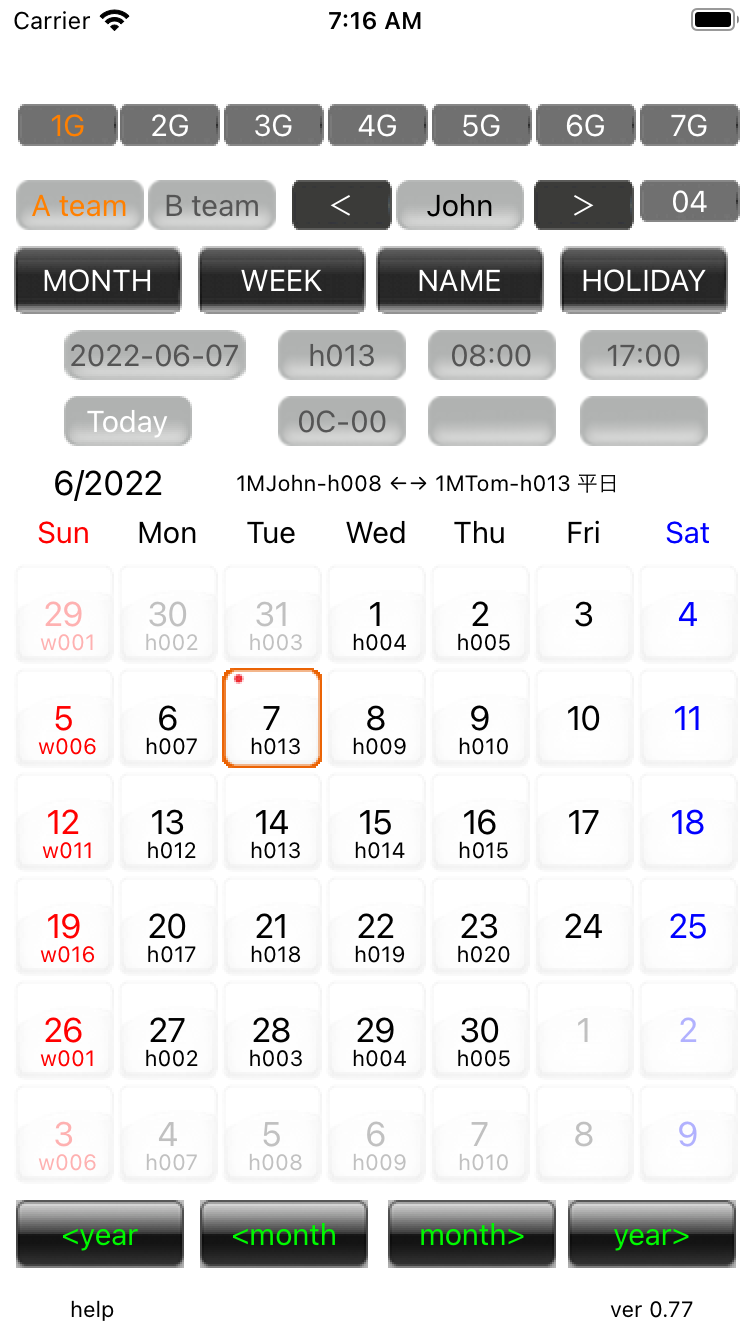
Transfer history 01 Dates that have been transferred will be marked with a red mark in the upper right corner. If you select that day, the transfer history will be displayed.
|
||
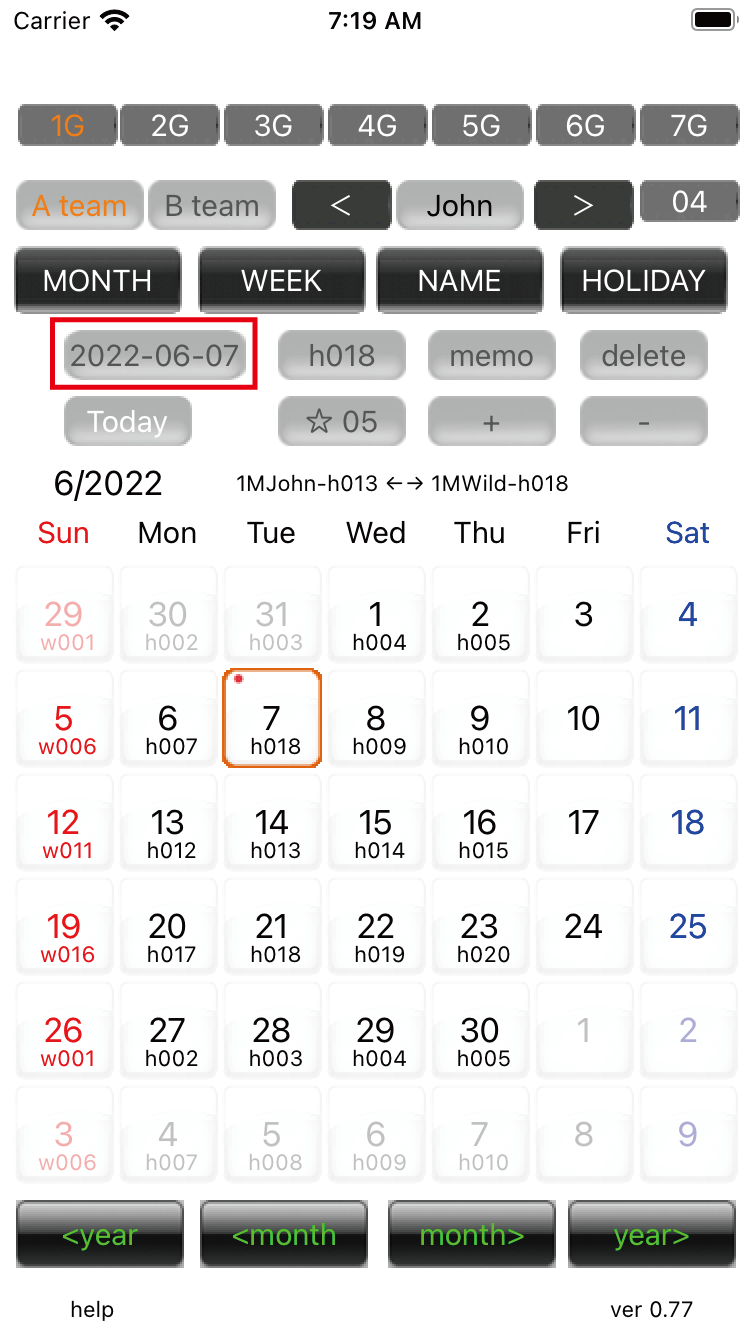
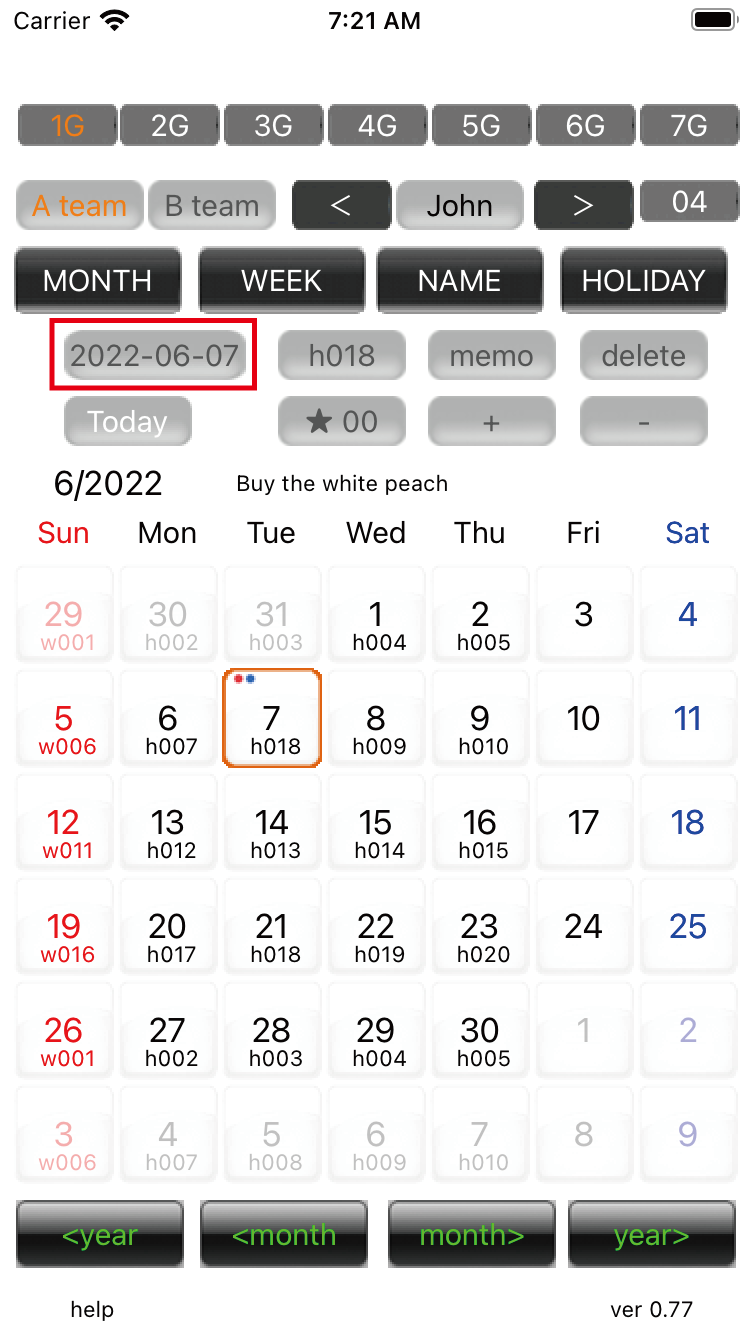
Transfer history 02 Select Press the 'Year/Month/Day' button to switch to history viewing mode.'☆05' is the 5th transfer. A white star means the most recent transfer.Up to 99 histories. After that, it will overwrite the oldest one.Even if it's a small number, if it's a white star, it's the latest.
|
||
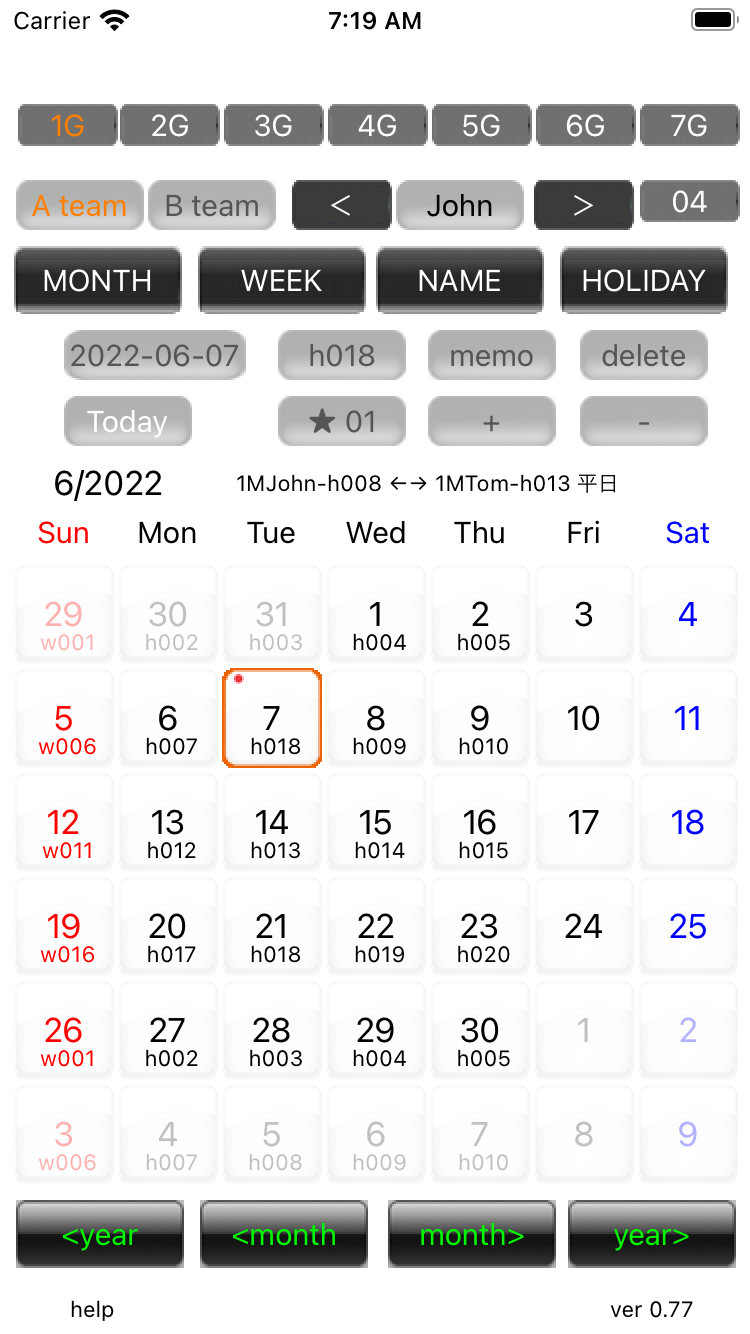
Transfer history 03 '★01' means that the black star is not the latest. '01' means the first look back.If you press the '★01' button, it will change to the latest history of '☆05'.
|
||
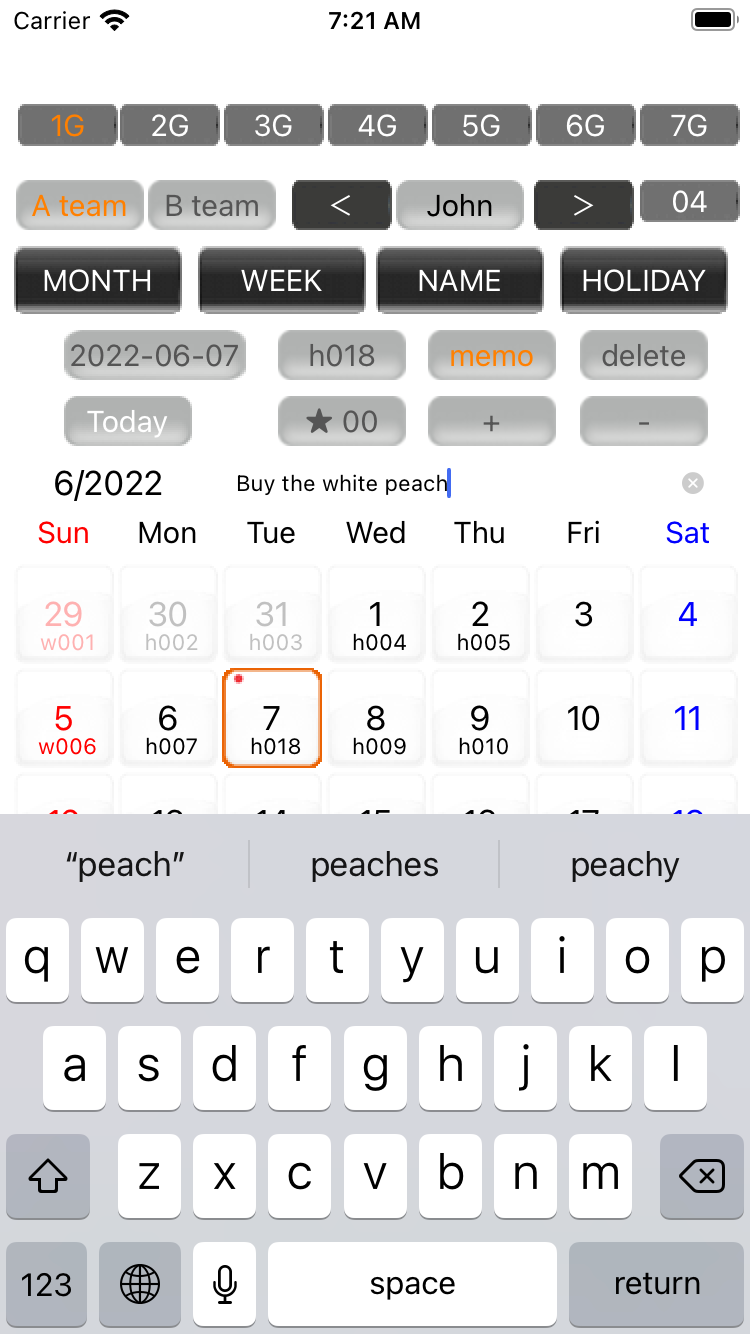
Transfer history 04 If you press the 'memo' button, it becomes a user input memo. It switches to '★00'. Enter up to 27 characters. Confirm with the return key. If you enter a memo, a blue mark will be displayed on the upper left. If you press the memo button during input, it will be canceled. Press the return key to save the memo.
|
||
Transfer history 05 Press the 'Year/Month/Day' button to return to normal Month view. If the displayed year/month and the selected date are different, the display will switch to the selected date. |
||
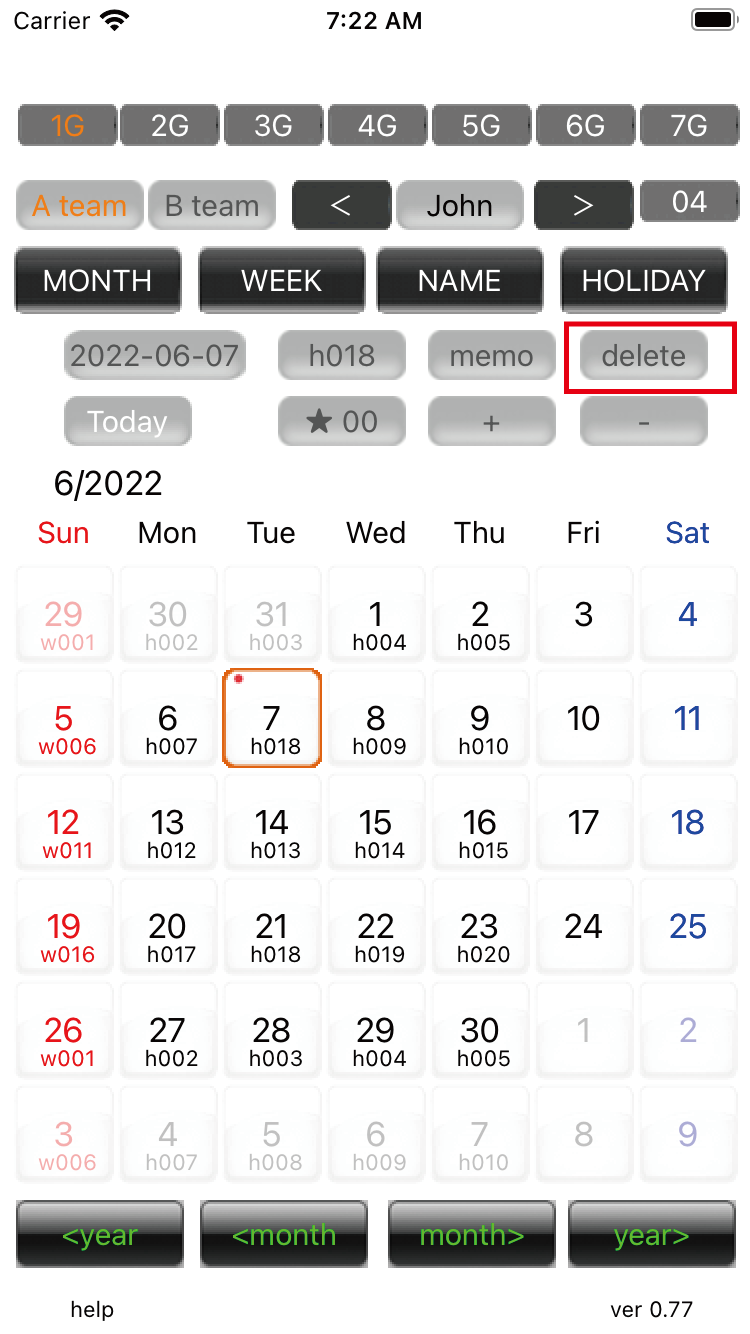
Transfer history 06 'delete' button only deletes the user input memo. |
||
 |
||
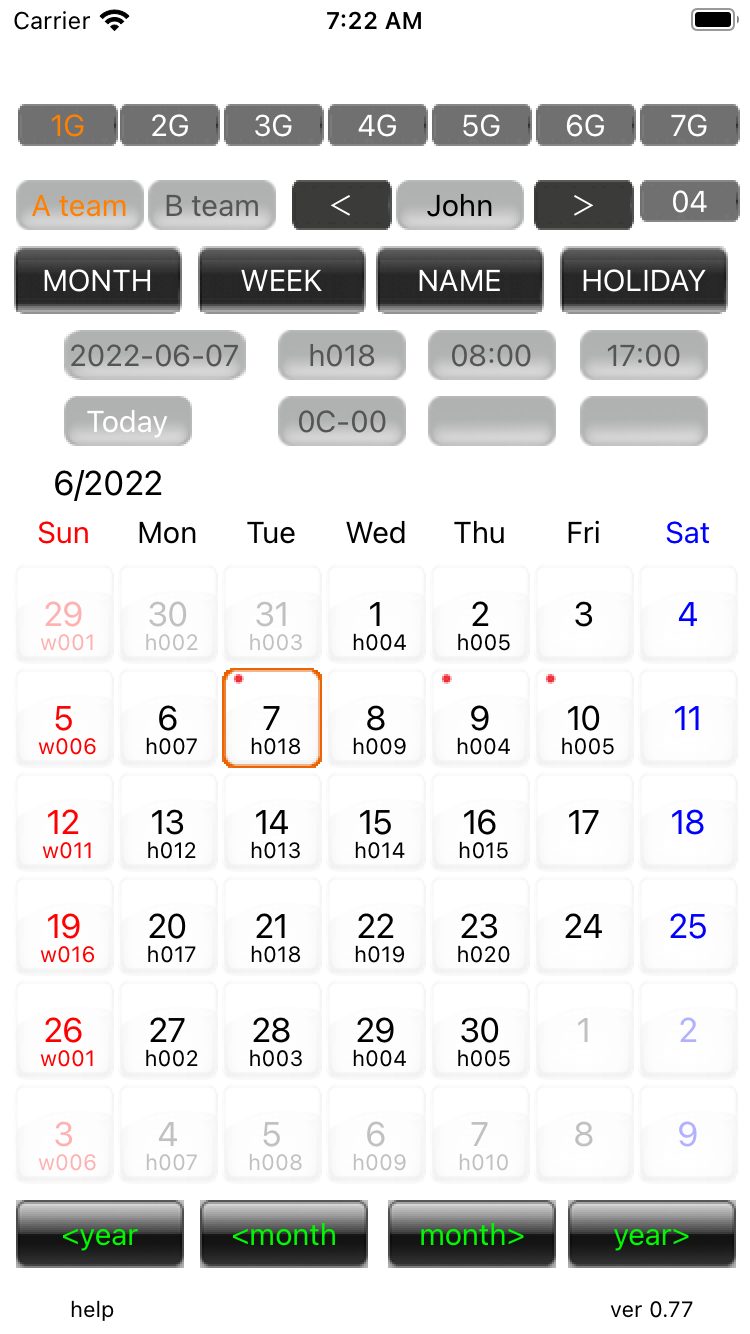
To erase the transfer history, you need to rewind the data for one day. |
||
| -------------------------------------------------------------------------- | ||
| Previous | Top page | Next page |
mail to morisita@ic-net.or.jp