
Crew Data 1.00
|
|
| Callender of Business. |
| Previous | Top page | Next page |
| -------------------------------------------------------------------------- | ||
05.HOLIDAY Holiday change mode |
||
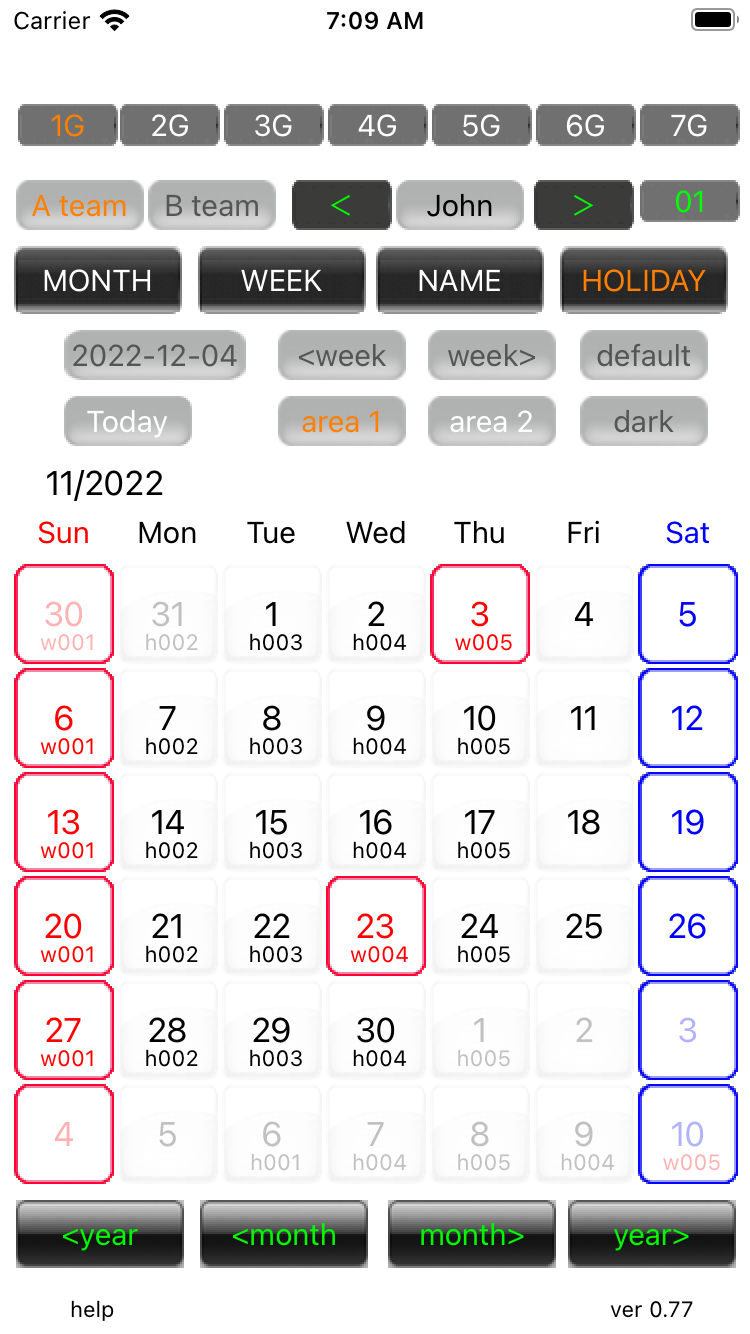
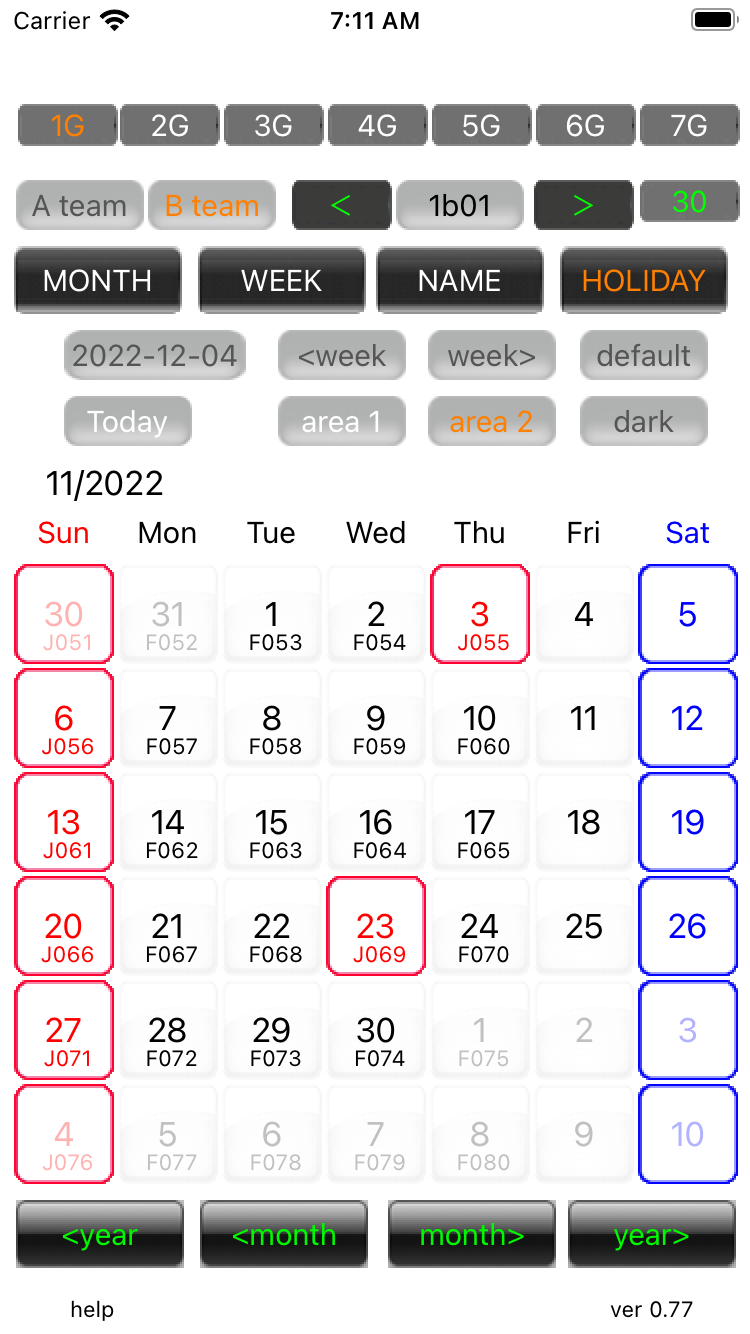
Holiday change mode 01 The date frames are blue for Saturdays, red for holidays, and green for special days.When you press the date you want to change, it changes from blue → red → green → none.If a holiday is changed after the transfer, the transfer will be invalidated. Please perform the transfer operation again.
|
||
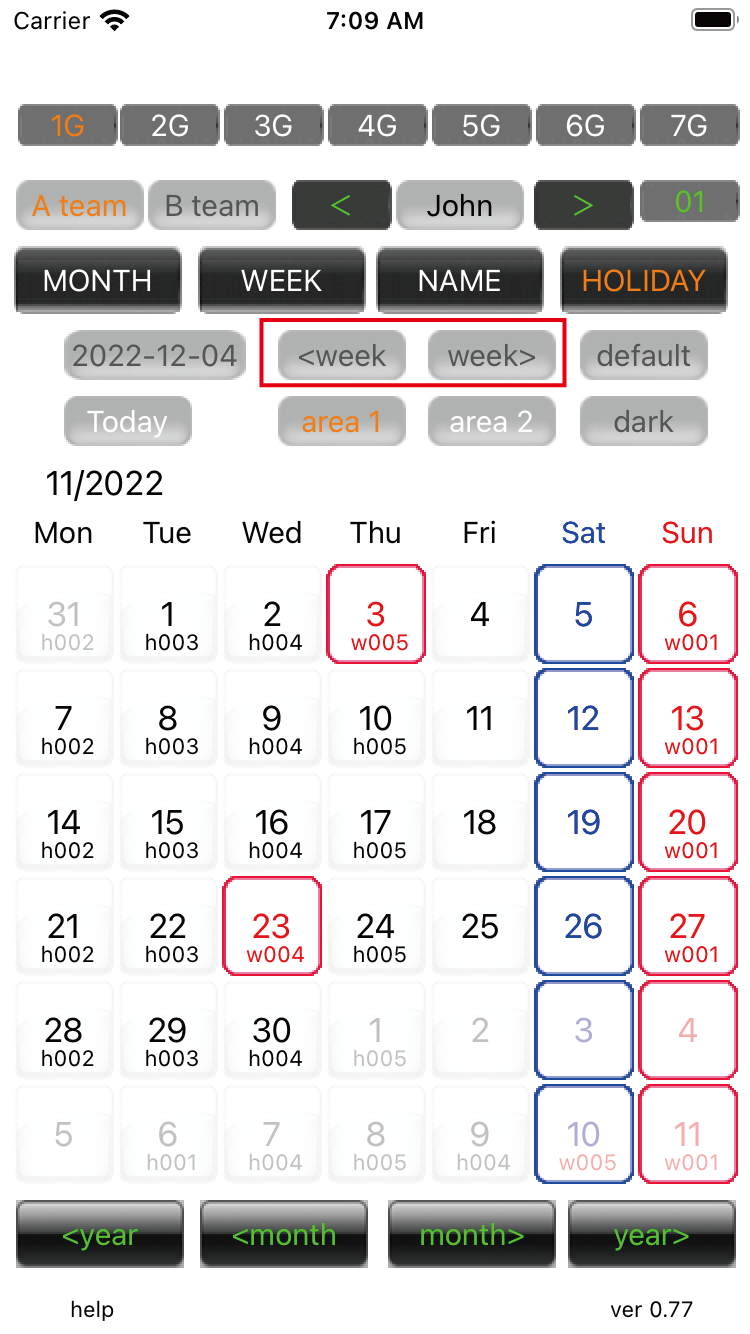
Holiday change mode 02 '<week','week>' button press,callendar of the week start change .
|
||
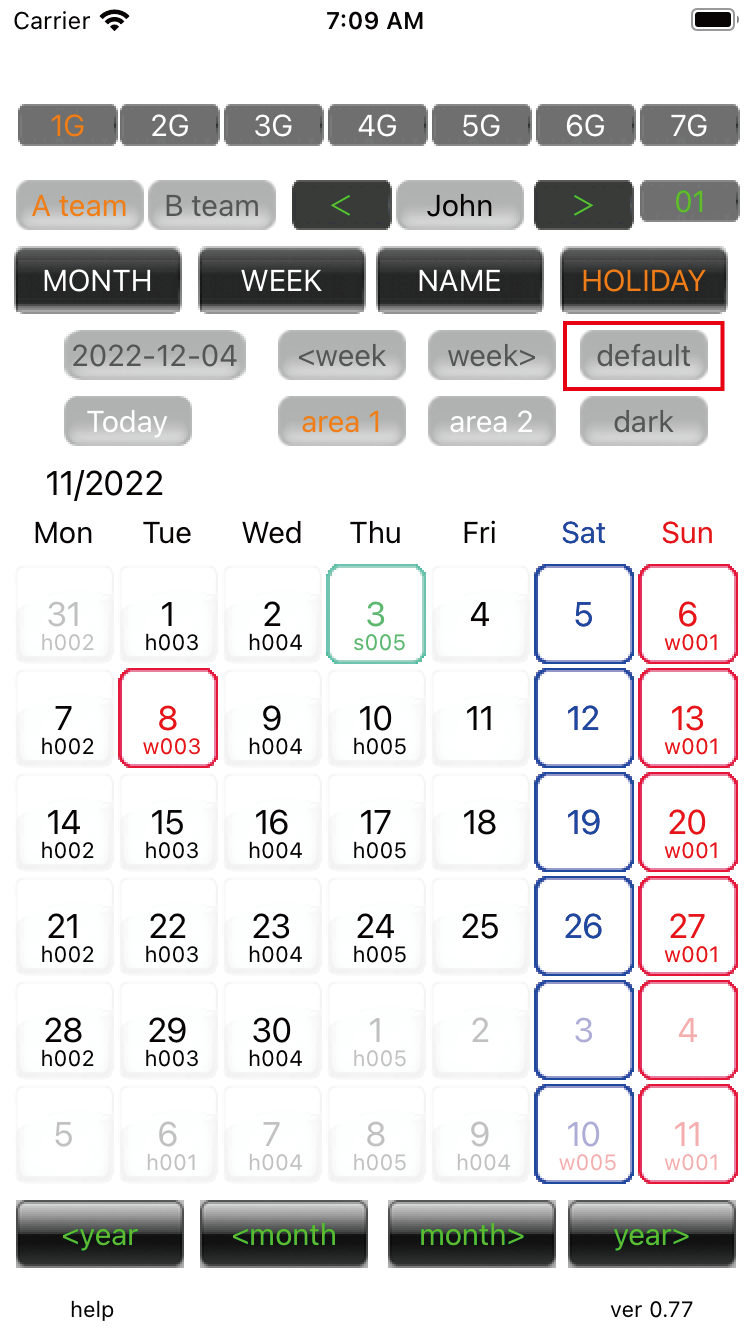
Holiday change mode 03 Press the 'default' button to restore. |
||
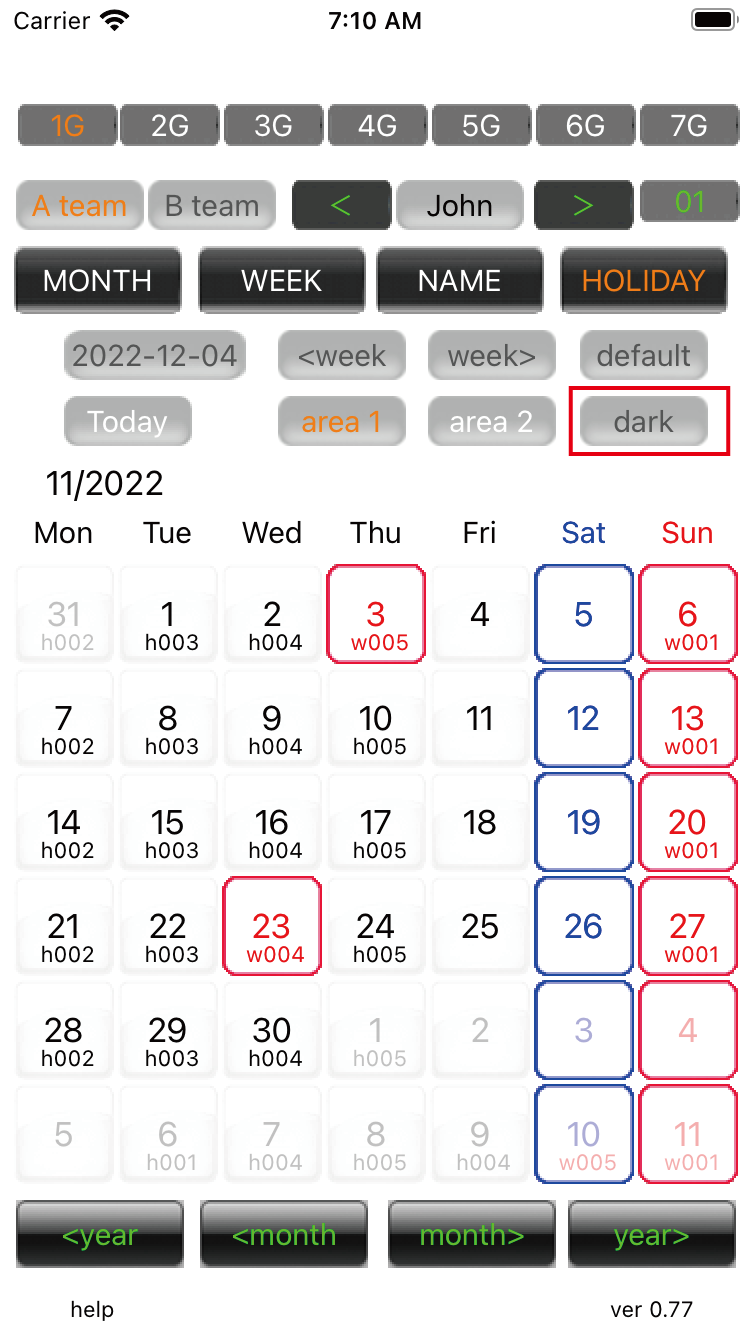
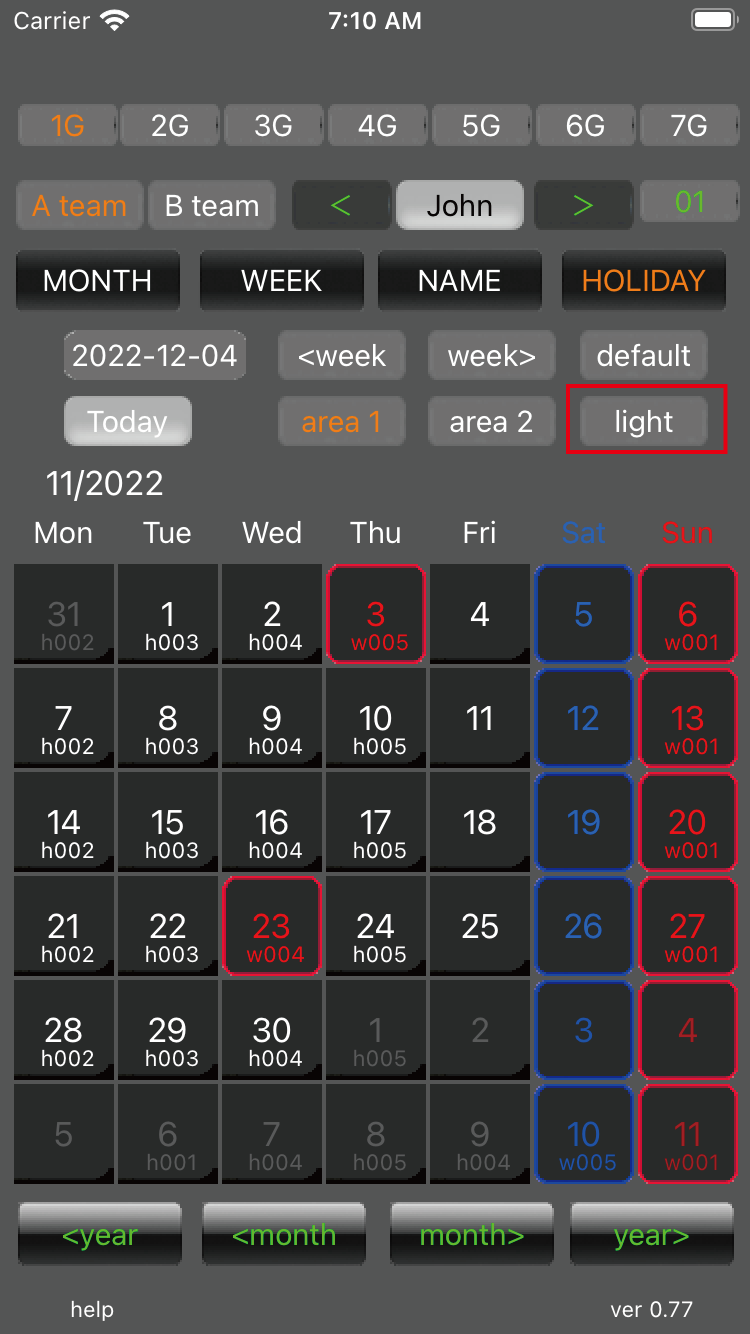
Holiday change mode 04 Dark mode switch button. The switch is dark→gray→light. |
||
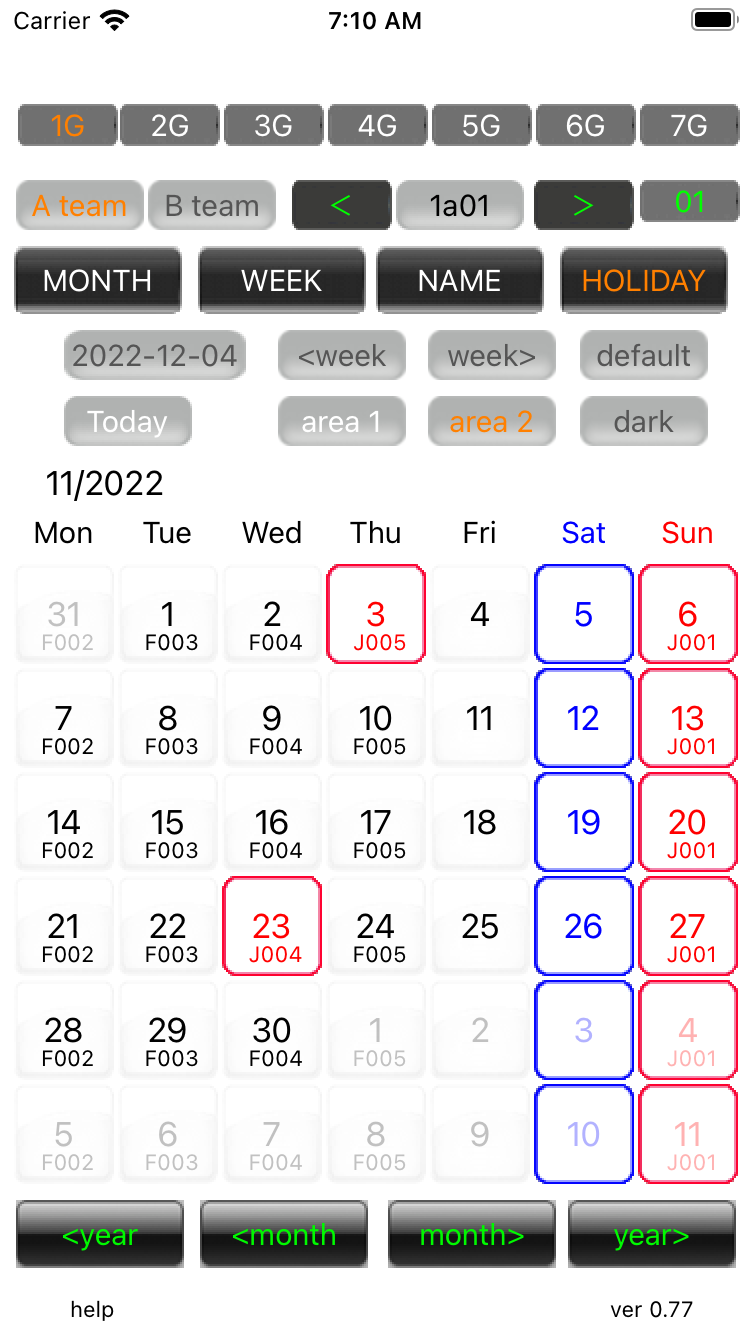
Holiday change mode 05 dark |
||
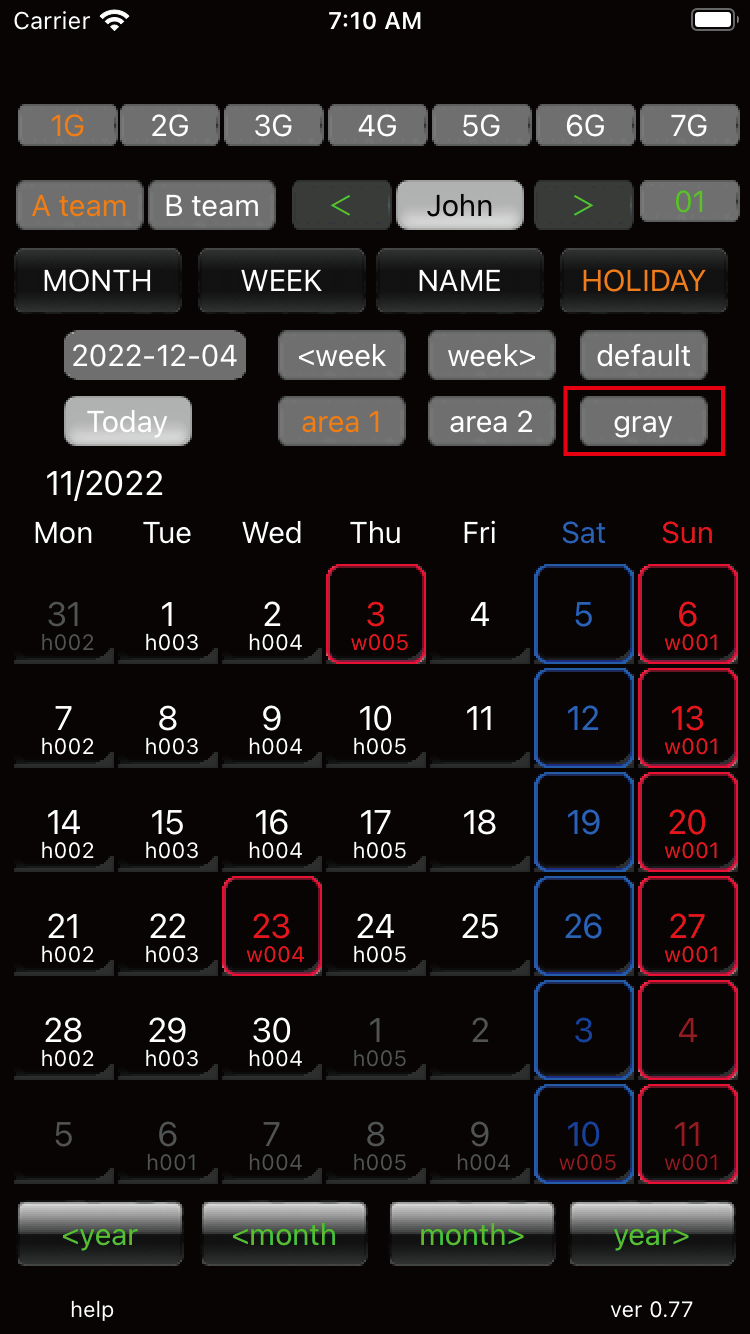
Holiday change mode 06 gray |
||
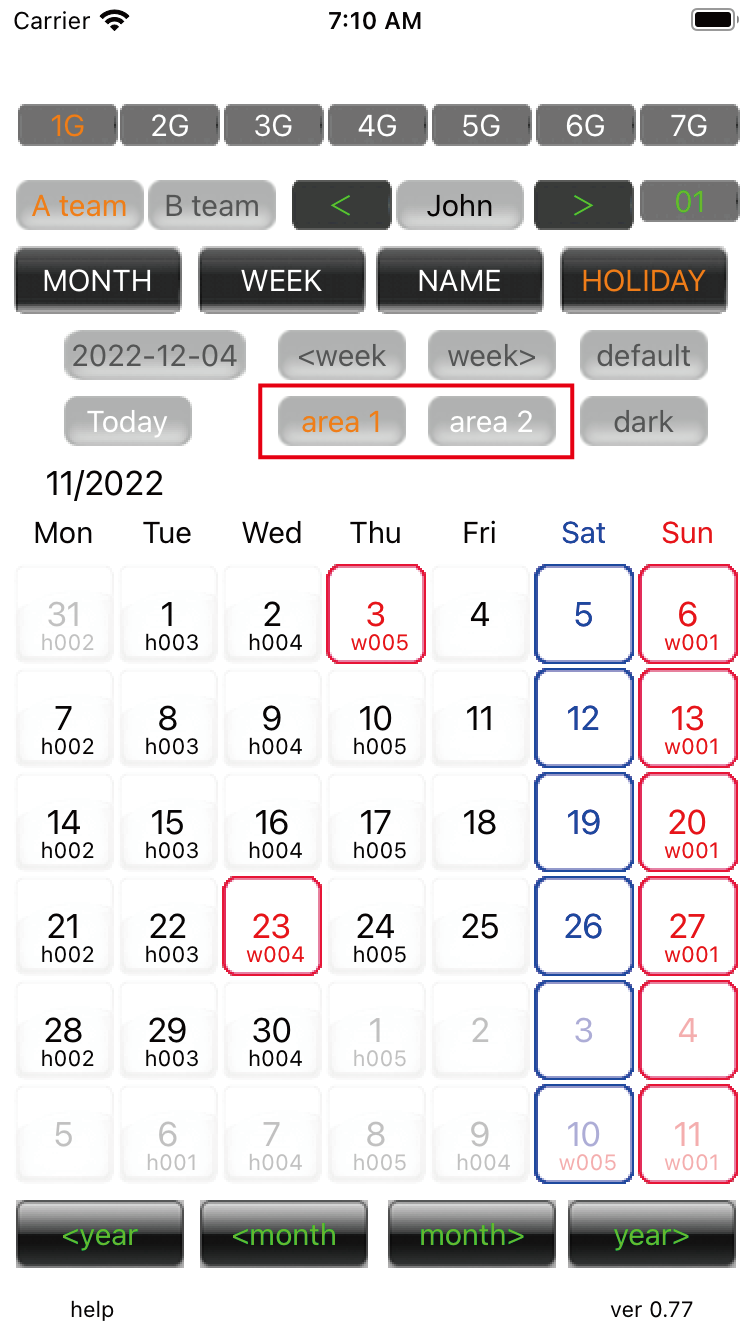
Holiday change mode 07 Switch areas. |
||
Holiday change mode 08 There are two teams in each area. 2 teams. 2 areas. There are 4 databases in total. |
||
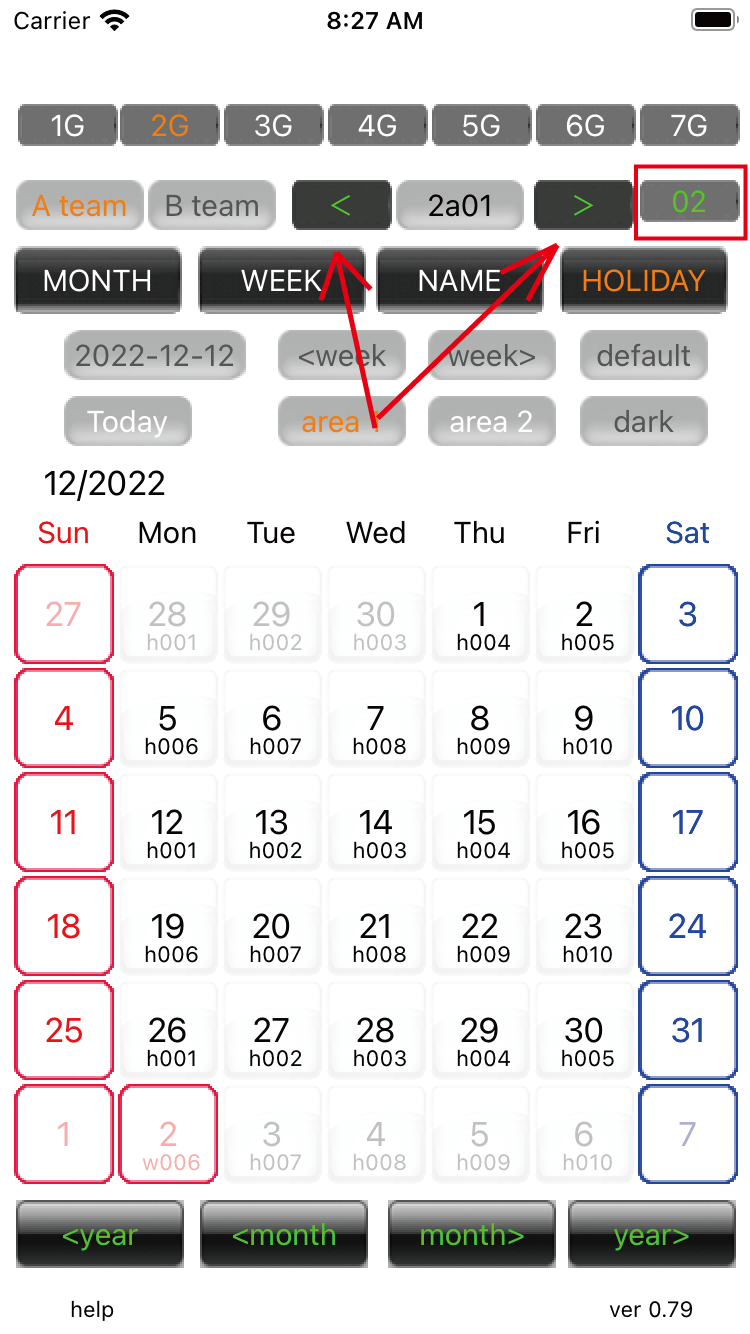
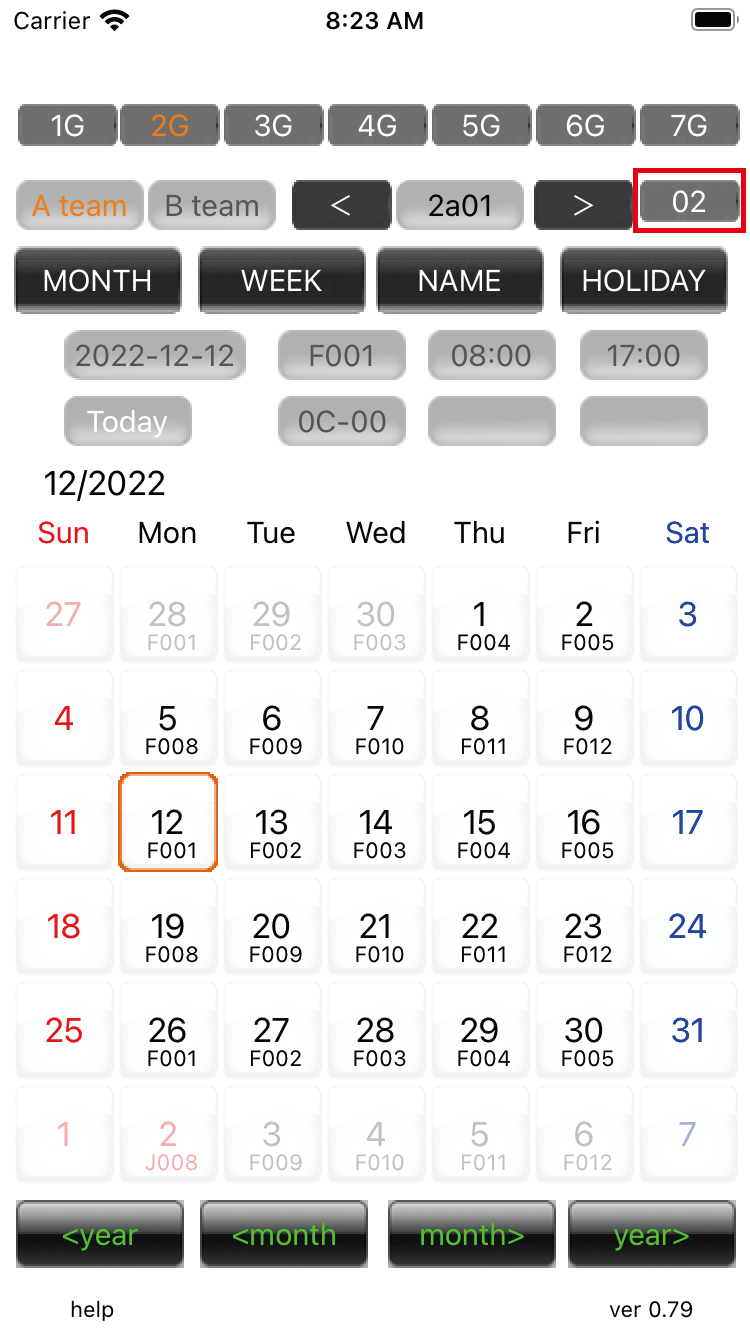
Holiday change mode 09 You can edit how many laps the weekly shift is in. If it is 2 laps, it will be calculated as 14. |
||
Holiday change mode 10 Set the A team in area 2 to '2'. |
||
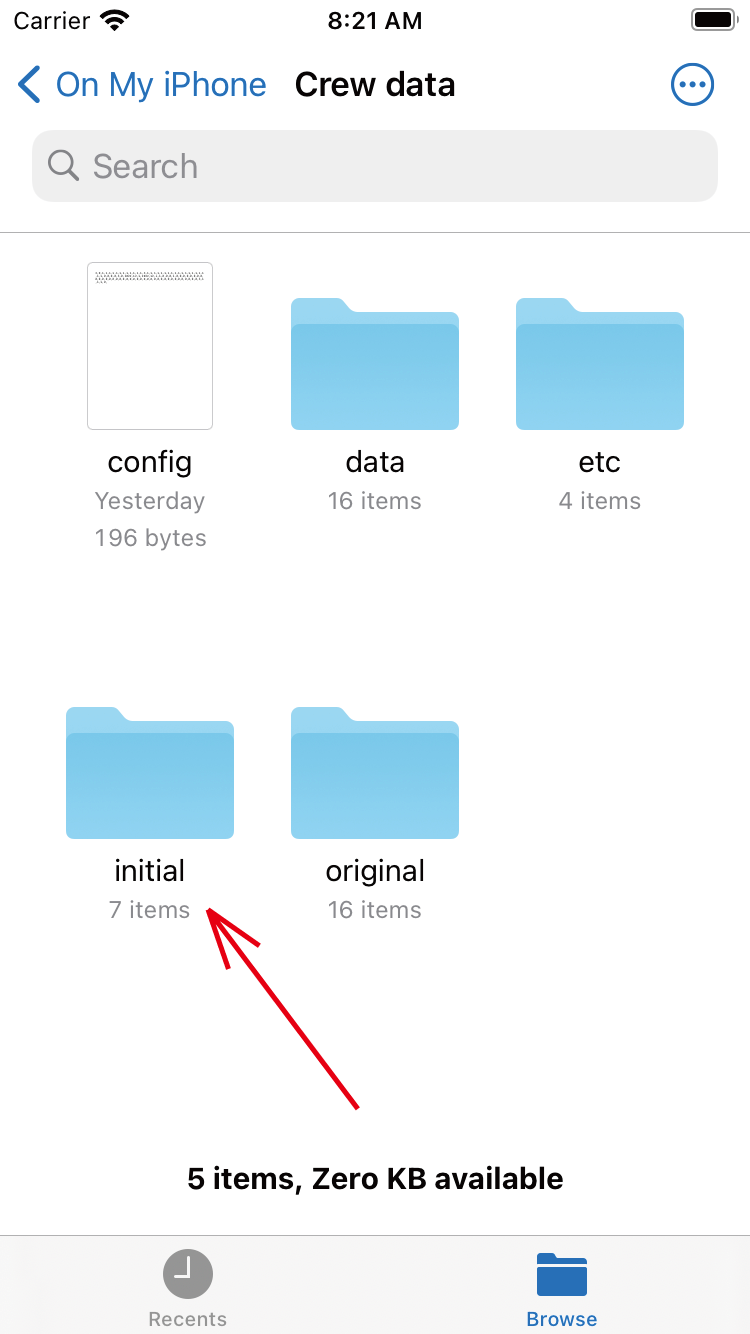
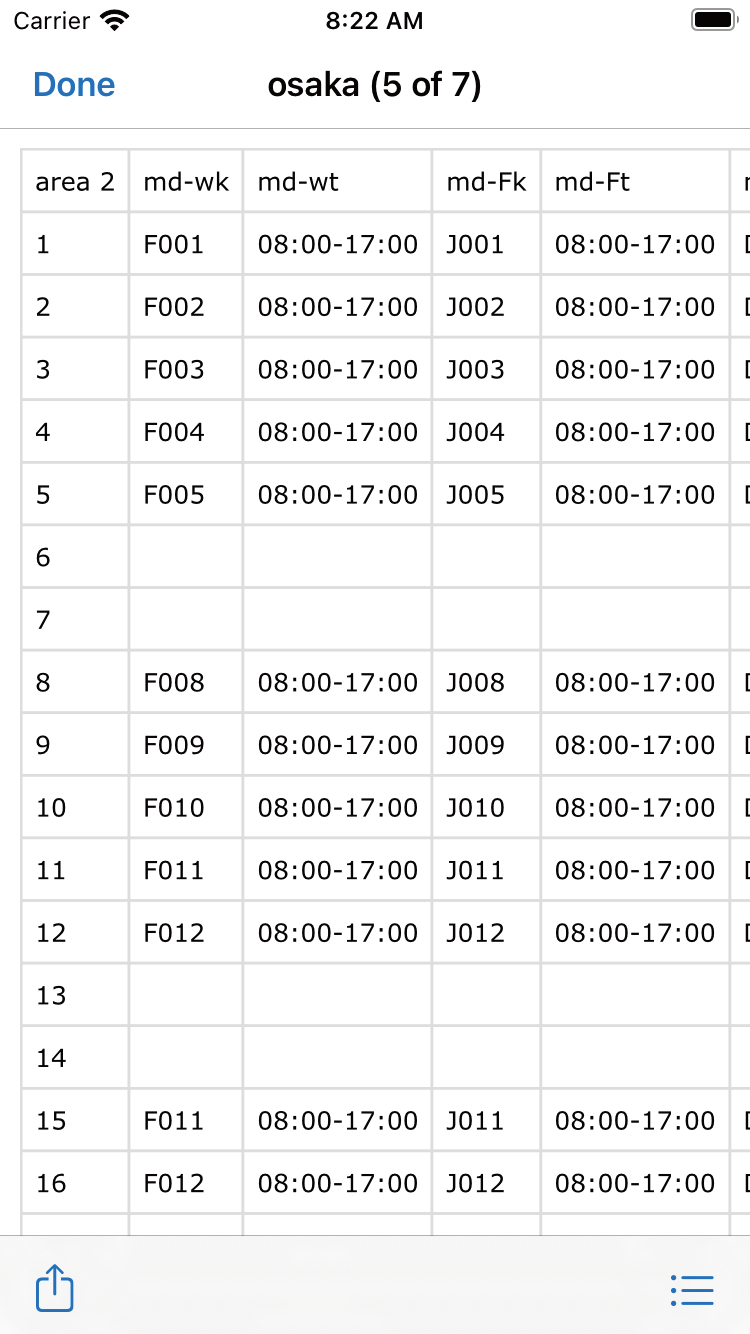
Holiday change mode 11 'files' app. Open folder in Crew data. Touch the 'initial' folder. |
||
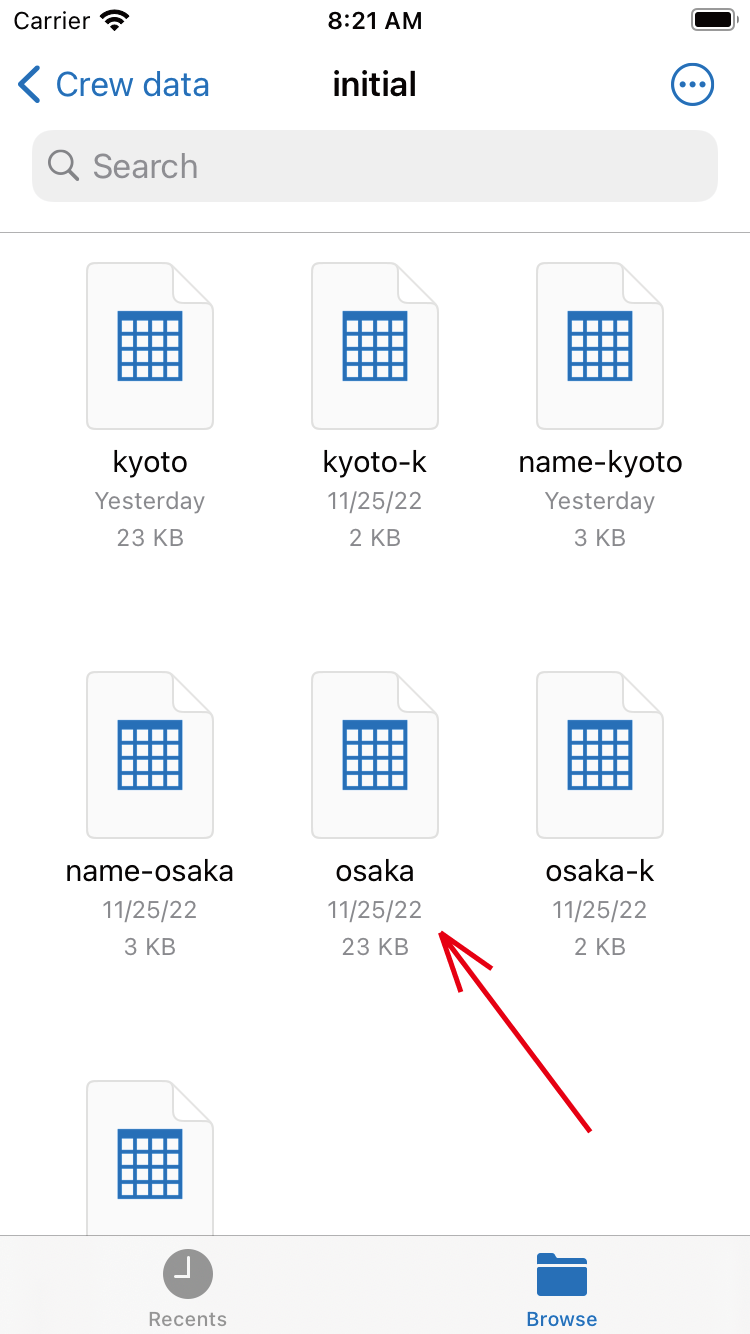
Holiday change mode 12 Touch the 'osaka' file. 'area 1' is the 'kyoto' file. |
||
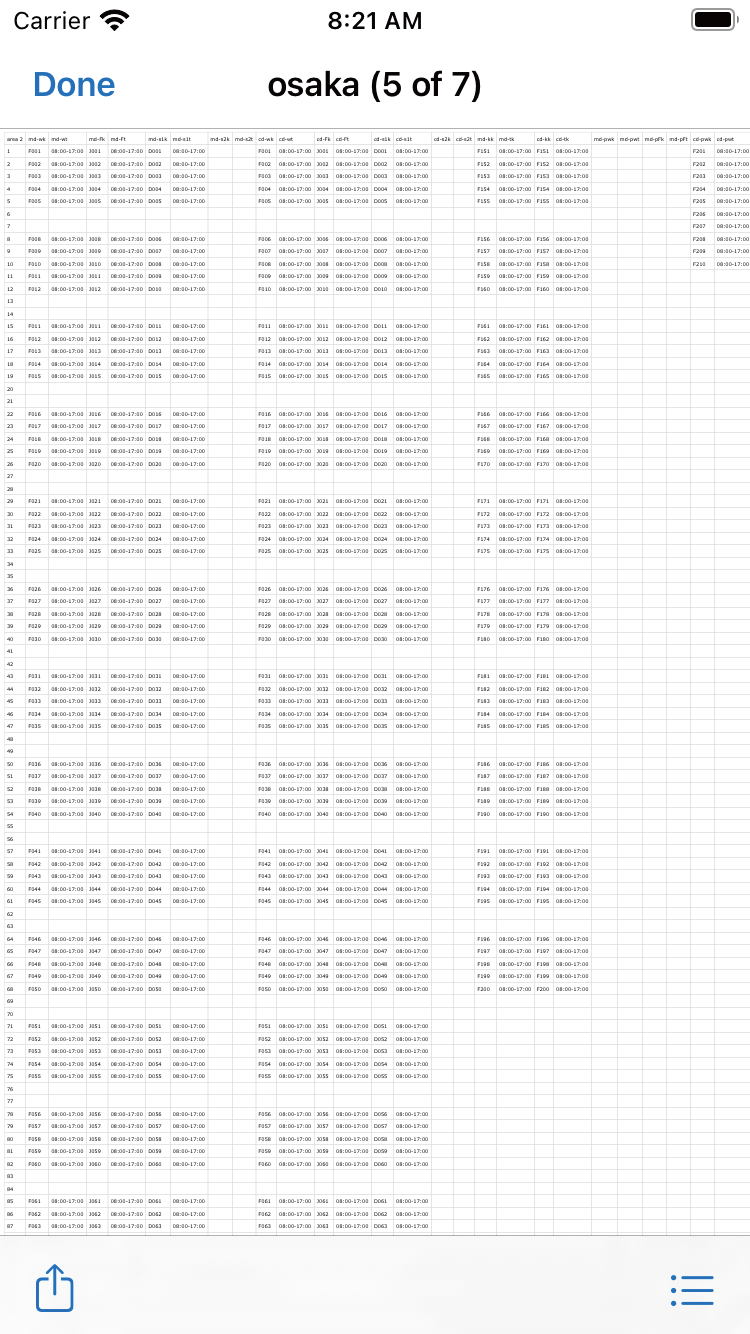
Holiday change mode 13 Zoom in by pinching out. |
||
Holiday change mode 14 The row of 'md-wk' from 1 to 14 will be the work of 2 laps. The B team is the 'cd-wk' row. |
||
Holiday change mode 15 You can select up to 30 weeks. The maximum team size is 30 people. |
||
| -------------------------------------------------------------------------- | ||
| Previous | Next page | |
mail to morisita@ic-net.or.jp