
Crew Data 1.00
|
|
| Callender of Business. |
| Previous | Top page | Next page |
| -------------------------------------------------------------------------- | ||
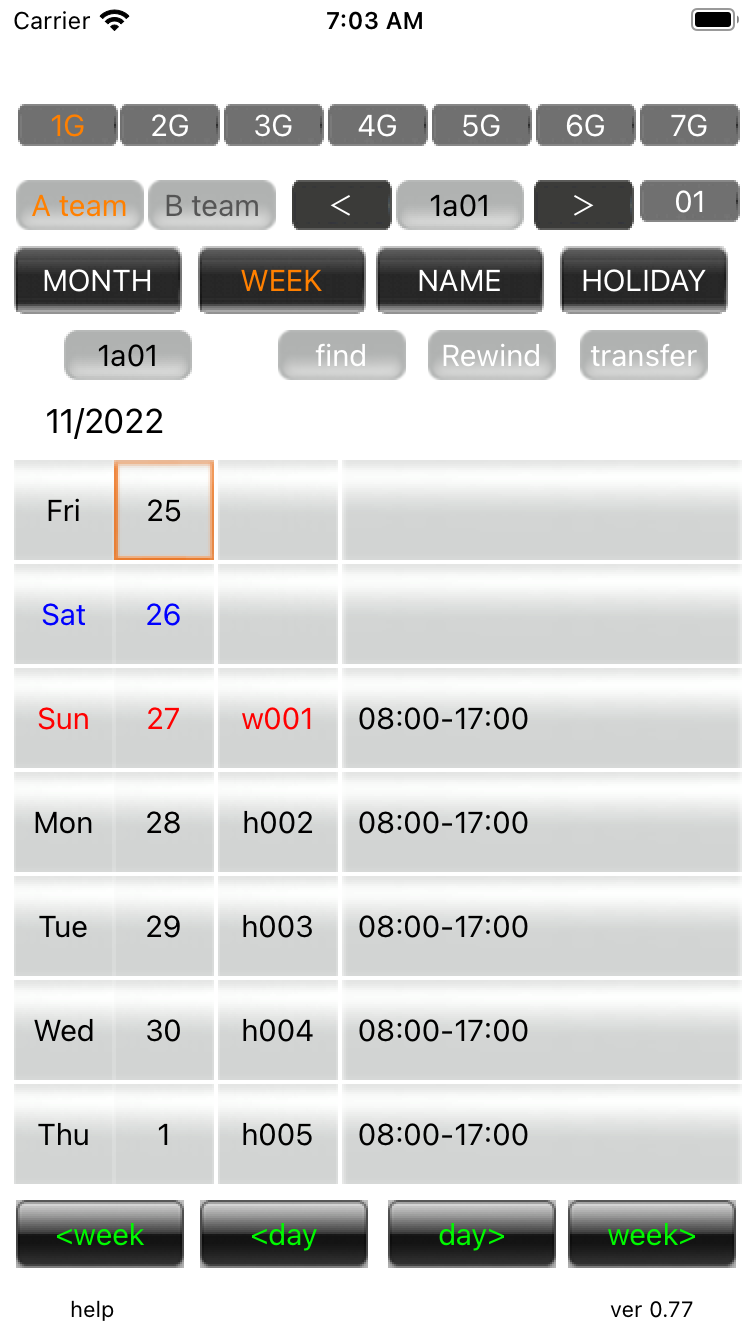
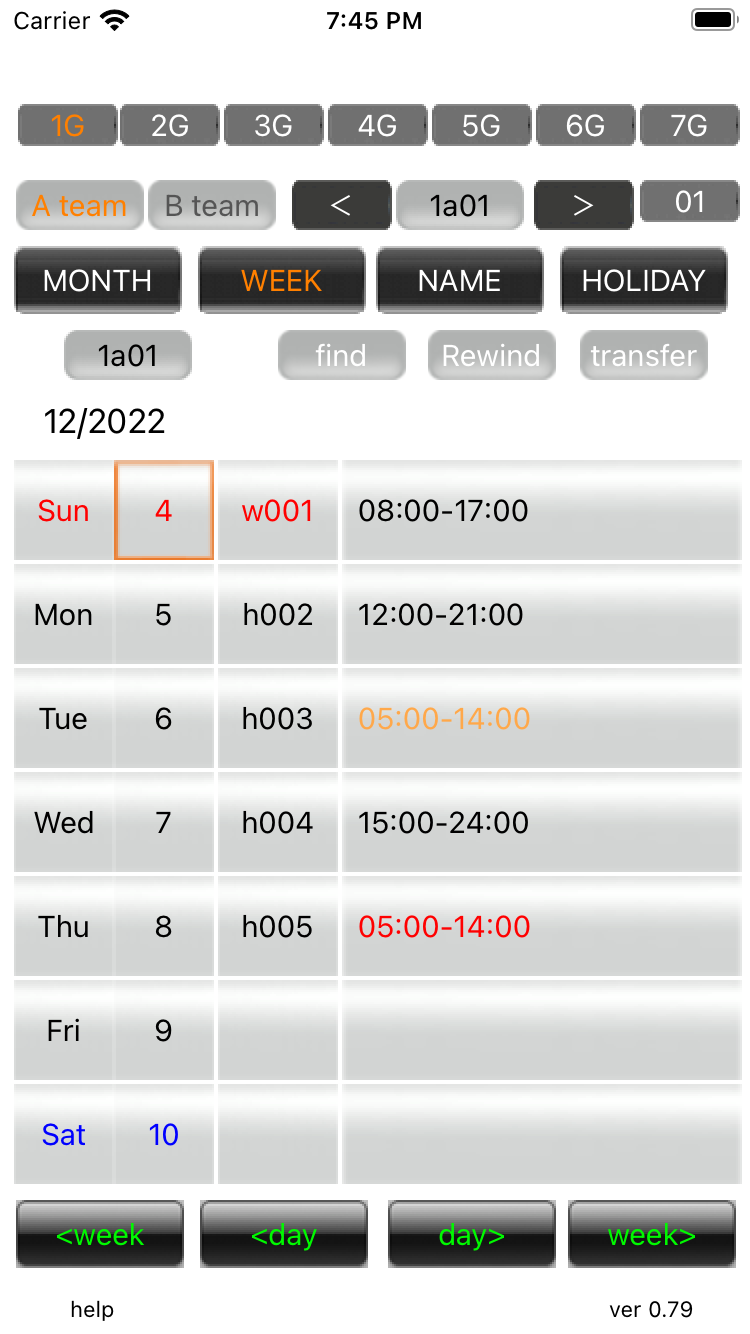
02.Week view Press the WEEK button |
||
01. Week view Work time is displayed for one week from the selected date. |
||
02.Grasping function of interval You can see the interval between the leaving time of the previous day and the working time of the next day. |
||
| -------------------------------------------------------------------------- | ||
| Previous | Top page | Next page |
mail to morisita@ic-net.or.jp